Fueled · Neelo

Neelo Tablet Game
An educational tablet game for children, built with Flutter and the Flame engine.
- Role
- Lead Mobile Engineer
- When
- Apr 2026 – Oct 2026
- Platforms
- iOS, Android, Tablet
- Industry
- Education, Gaming
- Release
- Live on Google Play and the App Store.
About the app
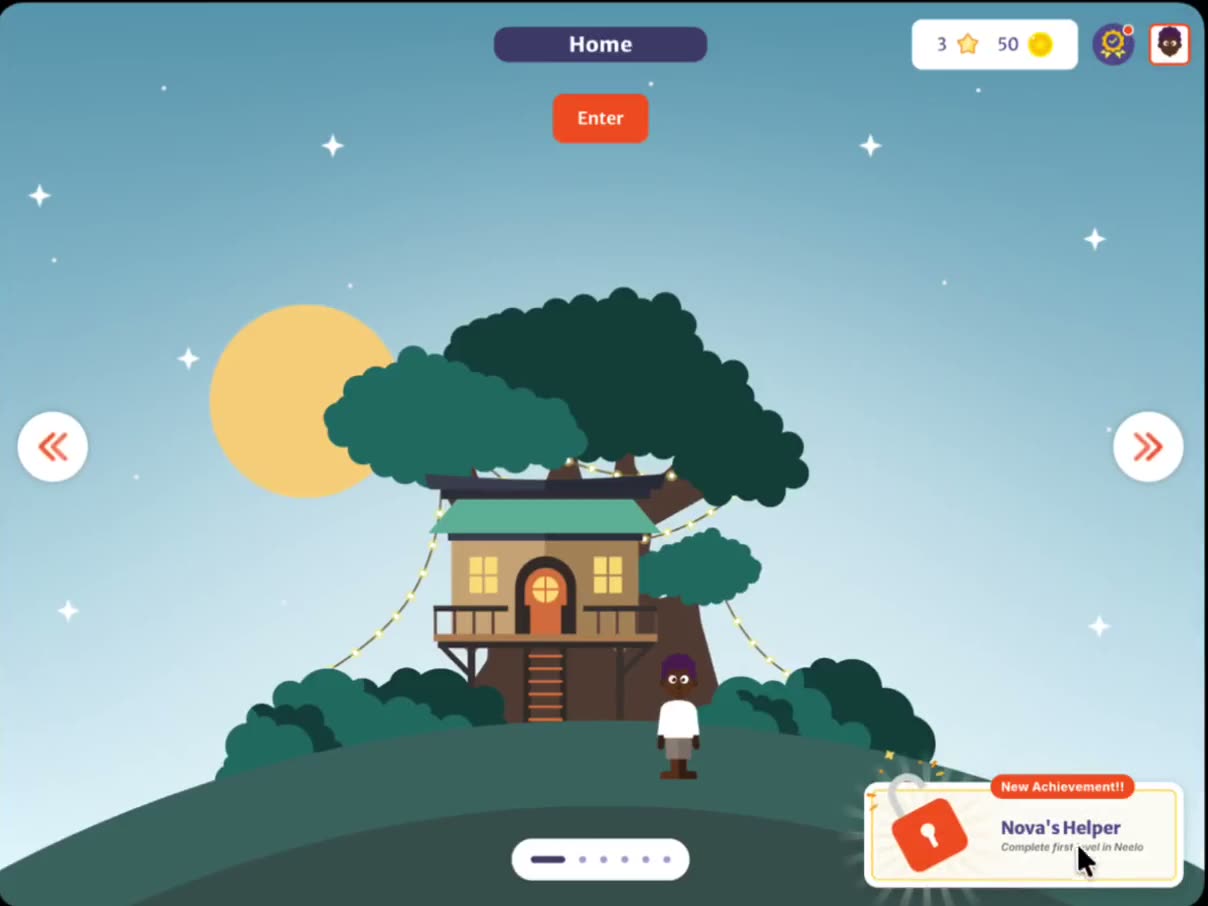
Neelo is an educational game for children, played on iPads and Android tablets. Kids explore worlds of short mini-games, comics and quizzes from the game's characters, with lessons such as stranger safety, confidence and kindness. Parents sign in and set up a profile for each child.
What I built
- Redesigned how game content downloads (the deep dive below).
- Built Achievements end to end — an offline-first badge catalog, a
check-achievementsSupabase Edge Function rules engine, unlock toasts, and Amplitude events. It shipped in a 1.4 release on both stores. - Fixed how the game places characters so they stand where the Figma design puts them (below).
- Built designer tuning tools — in-game panels and drag-and-drop edit modes, visible only on debug test builds, so designers could tune gameplay live on a real tablet instead of waiting for a new build.
Deep dive: zipped content bundles
The game’s assets had grown past the git host’s storage limit, so the team moved world content to Supabase Storage. The first version downloaded about 13,000 single files. After it shipped, the client reported that the first download took more than 20 minutes on a 1 Gbps connection, and asked us to roll back. I built the rollback — a version that put all content back inside the app.
Then I built a proof of concept: I grouped the 13,000 files by game module and zipped each group,
giving 21 bundles plus a shared common bundle, with a manifest and a script that rebuilds only
the bundles that changed.
Why it’s faster: every single file is its own HTTP request with its own round trip. With 13,000 files, the round trips take most of the time, not the bandwidth — which is why a faster connection barely helped. With 21 large files, the connection stays busy moving data. On my 100 Mbps connection the full download took under 2 minutes; our QA engineer in India went from 30+ minutes to about 4. The design became the plan for 1.6, and it shipped in 1.6.0 after my role ended.
Deep dive: matching character placement to the design
The client often reported that characters (NPCs) did not stand where the Figma design put them. I traced how each game turned a level’s numbers into screen positions, and fixed both games with one rule: every coordinate has one meaning — one anchor on the character, in one shared coordinate space. Then a value measured in Figma lands on the same spot on every tablet.
Platformer, the side-scrolling game
Before. The game did not use design positions at all. It split the ground into equal sections, one per NPC, and placed each NPC at the middle of its section. Simplified:
final sectionWidth = groundWidth / npcCount;
final npcX = sectionWidth * (i + 1) - sectionWidth / 2; // middle of section i
final npcY = screenHeight * 0.728 - npcHeight;            // feet on the ground line
// NPC component: Flame's default top-left anchor
Three more things moved characters away from the design:
- The NPC kept Flame’s default top-left anchor, so that middle point was the character’s left edge, not its center.
- Every NPC was drawn 0.7 times as wide as it was tall, whatever its real shape.
- On iOS, a ground image wider than 16,384 pixels loads downscaled, and only its width shrinks. The game measured that downscaled image, so the ground width — and every position based on it — was wrong.
After. Each level lists fixed slots measured in Figma. A slot is the NPC’s horizontal center, as a percent of the ground width. NPCs are anchored at their bottom center, on one shared ground line:
// level JSON: "npc_placements": [ x_percent per NPC, e.g. 15.2, 24.8, 38.9 ]
final npcX = groundWidth * (placements[i] / 100); // NPC's center
final feetY = screenHeight * 0.728;               // shared ground line
// NPC component: anchor: Anchor.bottomCenter
Each NPC’s width now comes from its SVG’s viewBox, and the ground width comes from the PNG file
header instead of the downscaled image. When a level shuffles its NPCs, the characters change but
the slots stay where the design put them. If a level’s slots are missing a value, out of range or
not numbers, the level fails to load with a clear error instead of placing NPCs in the wrong spot.
Aerial, the maze seen from above
Before. The level JSON gave each item a percent of the world’s width and height, but each item type read that number differently:
- NPCs were shifted left and up by half of a size based on the screen height, then drawn from their top-left corner.
- Coins were not shifted at all, so their number meant the top-left corner.
The world’s shape was also a hard-coded 6595 × 4607 ratio, while the walls worked out their own bounds from the maze SVG. Small rounding differences meant items, background and walls did not share one coordinate space.
After. Every item — NPCs, coins, teleporters and the player start — is anchored at its center, so the JSON value is used as is:
final x = worldLeft + worldWidth * (xPercent / 100); // item's center
final y = worldTop + worldHeight * (yPercent / 100);
// every item component: anchor: Anchor.center
The world’s shape now comes from the maze SVG’s viewBox, and the walls reuse the game’s bounds,
so items, background and walls share one space. I updated 22 aerial levels to the center rule and
added debug dots that mark where each JSON coordinate lands.
Taking the numbers from Figma
Both games now use Figma’s own reference: the world’s left and top edges, and the character’s center. I measured the positions by hand in Figma and put them into the level config JSON — the Figma MCP could not get accurate coordinates. I recorded a video guide so content authors could do the same. The client was pleased with the fix, and it went out in the next release.
Technical notes
- Backend: separate Supabase projects for dev and production, row-level security on every table,
and signed URLs for avatars and videos. The
check-achievementsEdge Function uses two Supabase clients — the caller’s JWT to confirm ownership, then service-role access to read stats and write results — and is data-driven, so a new achievement that reuses a metric needs only a database row. - Download pipeline: up to 4 zips download at once and up to 2 extract at once in background isolates; the app verifies each file’s size and MD5, tries the public URL then a signed URL, and caches into a backup-excluded folder. A teammate wrote the original download screen, the stall watchdog and the connectivity handling.
- A hard problem: a closure captured a Dio
CancelToken, which cannot cross into an isolate, so I moved extraction into a top-level function that receives only two path strings.
Showcase

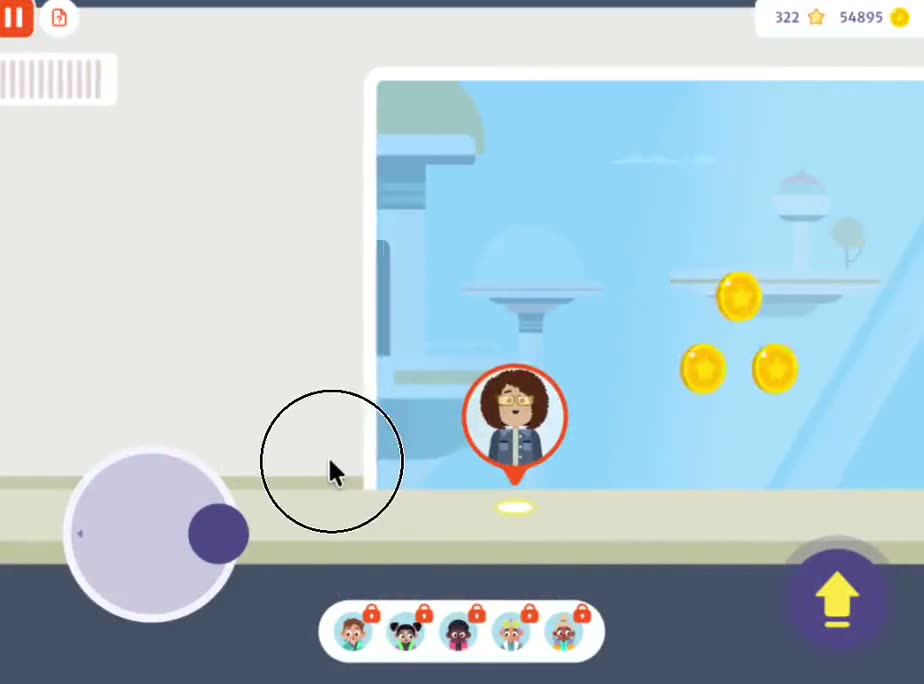
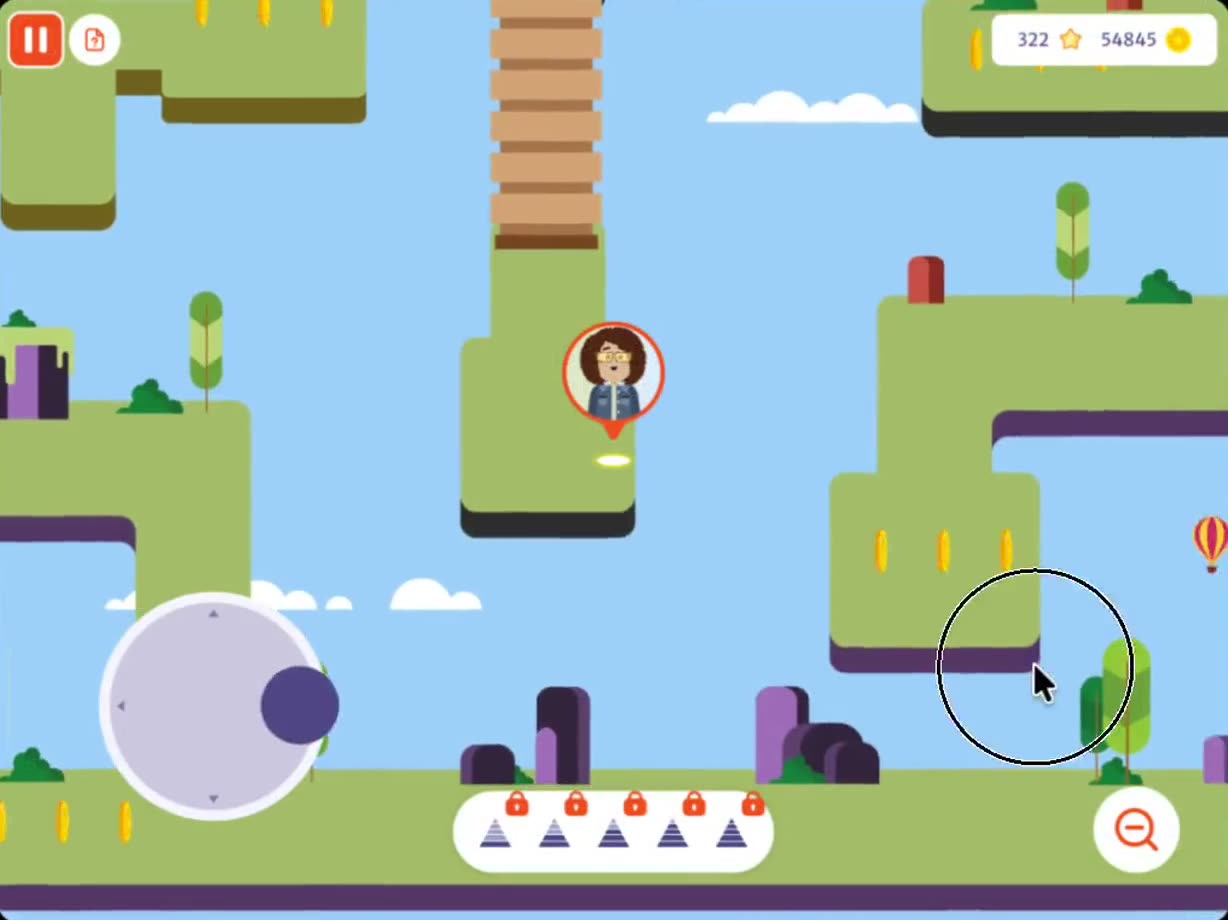

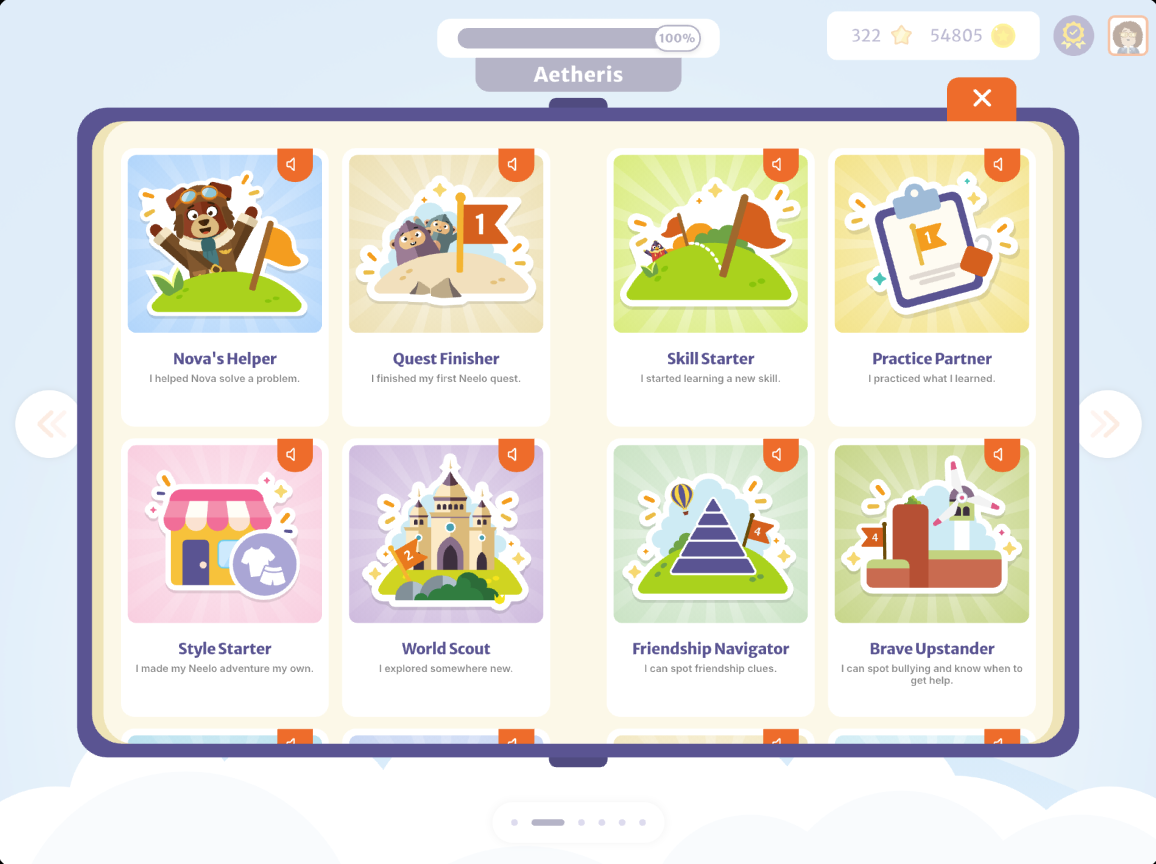
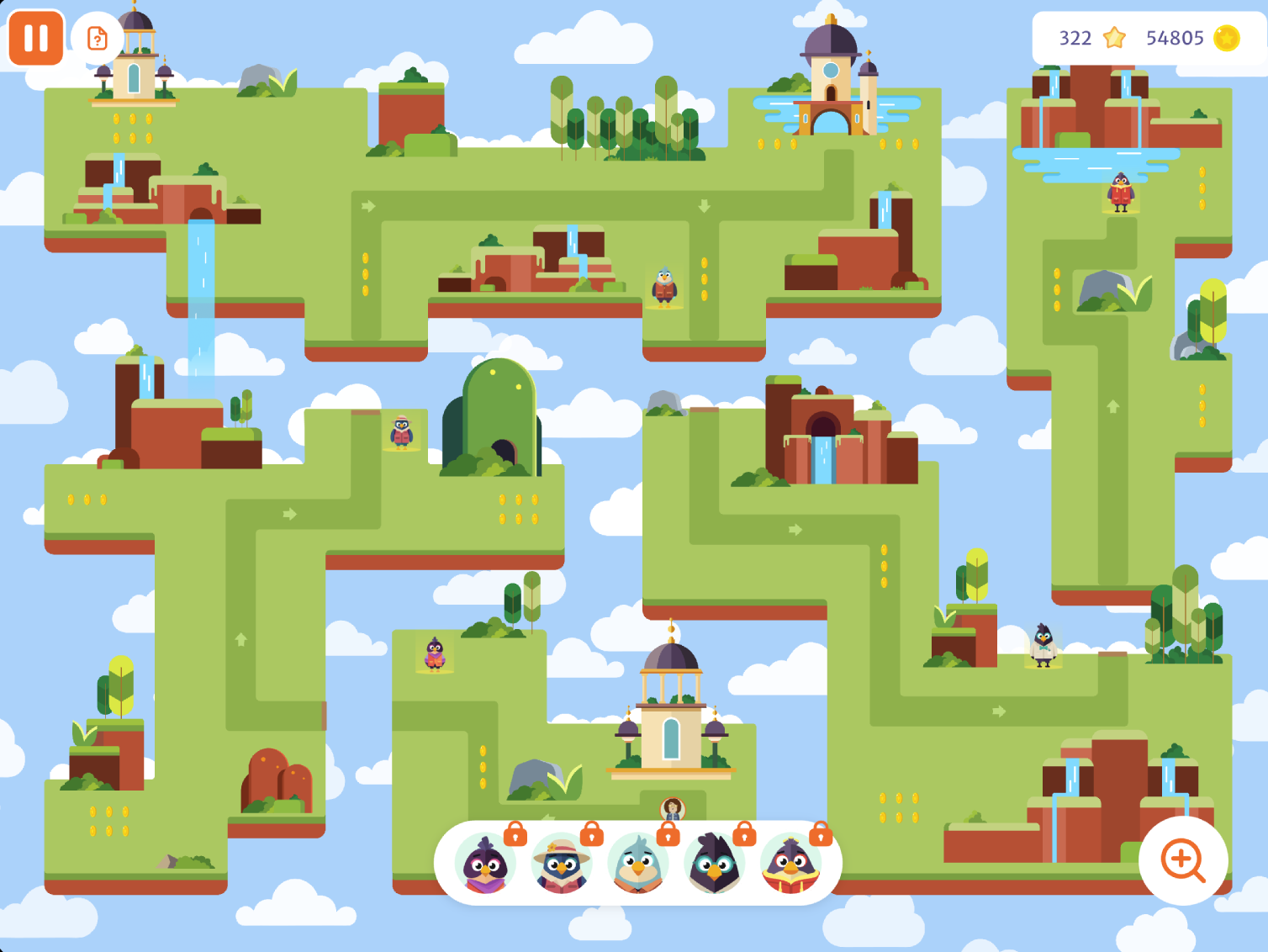
From development and test builds, mostly with test data. The released app may differ.