Accenture · Big Five Canadian bank
Canadian Banking App
Android lead for Loyalty & Rewards Pod 4 at a Big Five Canadian bank, leading two Android developers.
- Role
- Senior Android Developer
- When
- Aug 2024 – Jan 2026
- Platforms
- Android
- Industry
- Banking, Loyalty & Rewards
- Release
- Released on Google Play.
About the app
The everyday mobile banking app of one of Canada's Big Five banks. Personal and business customers use it to manage their accounts and credit cards. I worked in Loyalty & Rewards, where cardholders earn and redeem points and link their cards to partner rewards programs.
What I built
- Led the Android work for the bank’s Loyalty & Rewards Pod 4, one of several pods in the Loyalty & Rewards department. I led two Android developers: I assigned tickets, reviewed code, and relayed product and engineering decisions.
- Wrote a technical design doc for each new feature before development started, and presented it to the bank’s design review board of Android and iOS leads, engineering managers and architects.
- Led the large-screen refactor of a partner rewards program’s flows (the deep dive below).
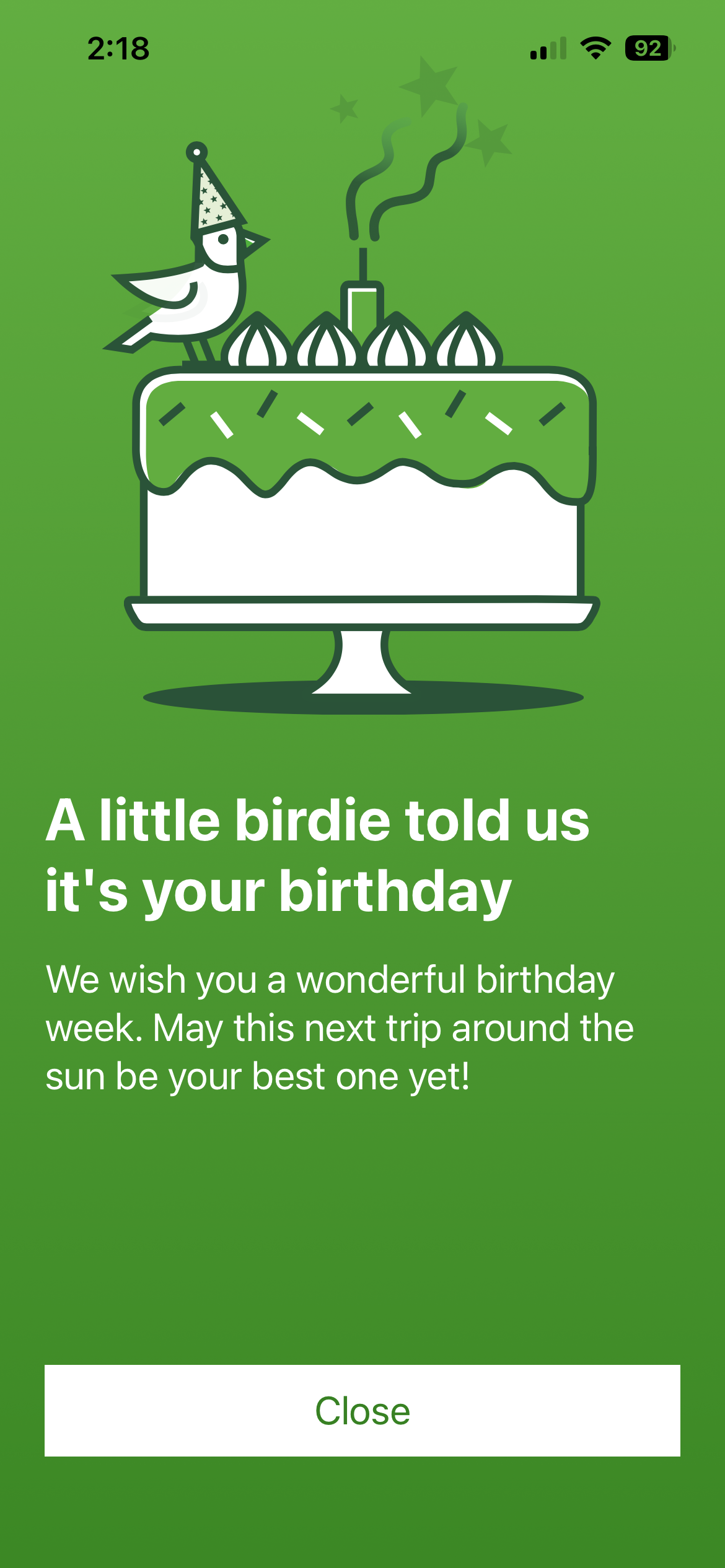
- Shipped Birthday Greeting, the pod’s first feature under my lead: I architected it and wrote the logic that decides when it shows; a developer built the UI and ViewModel.
- Built TalkBack-accessible Compose UI. The bank puts heavy emphasis on accessibility, because many of its customers are older adults. I proved each screen with a recorded screen-reader walkthrough attached to its QA ticket.
Deep dive: supporting rotation and large screens on 25+ legacy screens
Starting with Android 16, an app that targets it can no longer lock orientation or resizability on large screens. Every screen has to survive a configuration change like rotation.
The work covered every flow for one partner’s rewards program, where cardholders turn the bank’s reward points into the partner’s rewards:
- Linking a credit card to the partner’s rewards account.
- Unlinking it.
- One-time redemption: converting points into partner rewards once.
- Setting up auto redemption. The cardholder picks:
- which credit card to use
- how many points to convert
- how often, on an exact day of the month or of the week
- when it ends: after 3 redemptions, or on a set end date
- Editing auto redemption.
All these screens were legacy XML views with RecyclerViews, not Compose — more than 25 screens across the 5 flows. I made all of them handle configuration changes, finishing in 4 sprints with full QA regression testing. I refactored most of the screens myself; my two developers did the rest.
Each screen had to meet four rules:
- The layout adapts to the new screen size.
- The page-view analytics event fires once, not on every configuration change.
- API calls run once, not on every configuration change.
- The UI state and user input survive the change.
I first researched the common patterns across the screens — input kept in the ViewModel or saved instance state, and guards so API and analytics calls run only once — then split the work between my two developers with regular syncs and code reviews.
Technical notes
- Birthday Greeting’s edge case: the greeting shows once a year, on the birthday or in the 7 days before it. The app saves which year’s birthday it greeted, not a true/false flag, so the greeting resets itself each year with no clean-up code. When the 7-day window crosses into the new year — say, the app opens on December 31 for a January 3 birthday — it saves next year, so the greeting does not show again on January 1.
- Tools: Charles Proxy, to confirm no sensitive data left the app.