IceMobile · LoyaltyOne

Air Miles Android App
Led a feature across Android and backend with no lead title.
- Role
- Android Developer (contract)
- When
- Jan 2017 – Mar 2018
- Platforms
- Android
- Industry
- Loyalty & Rewards, Retail
- Release
- Released on Google Play in 2017. The program is now Blue Rewards, and today's app is a later redesign I didn't work on.
About the app
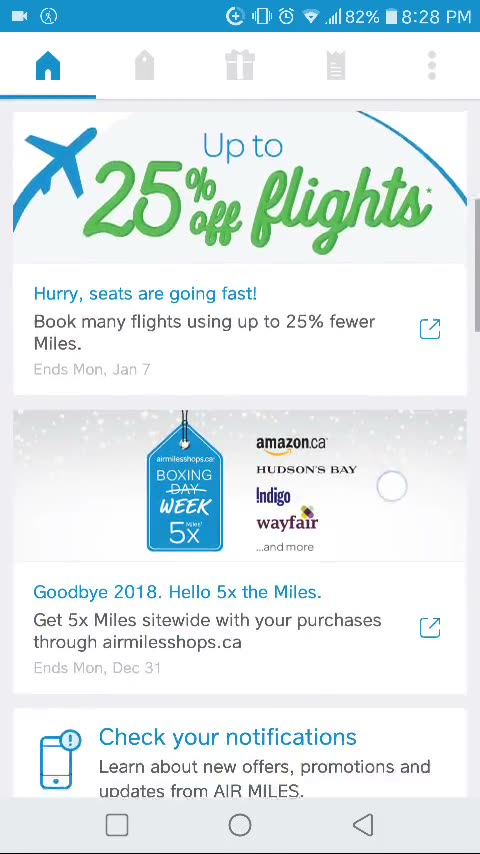
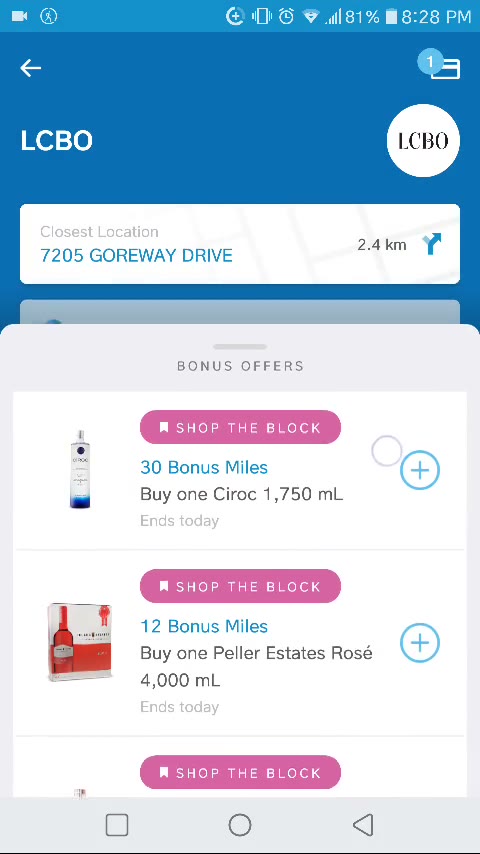
AIR MILES was one of Canada's largest loyalty programs. Members collected miles when they shopped at partner stores, then spent them on rewards. The app let members browse partners and offers, find nearby stores, check their balance and show a digital card at checkout.
What I built
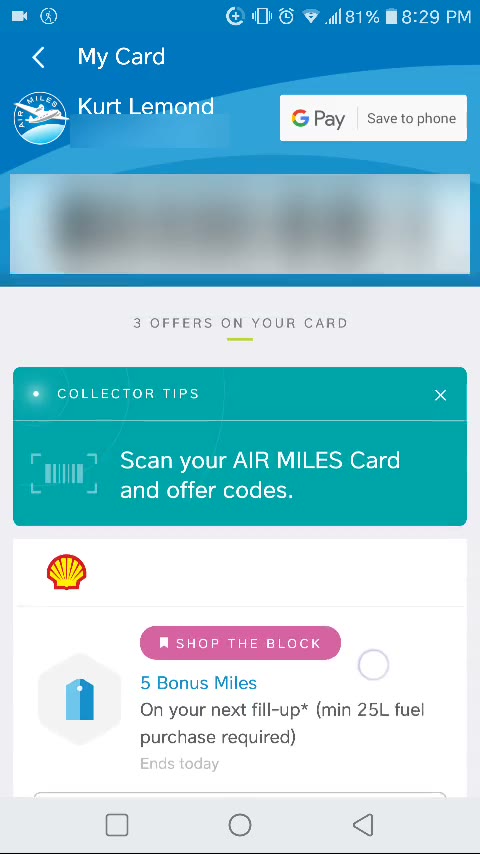
- Led Save to Android Pay across Android and backend (the deep dive below).
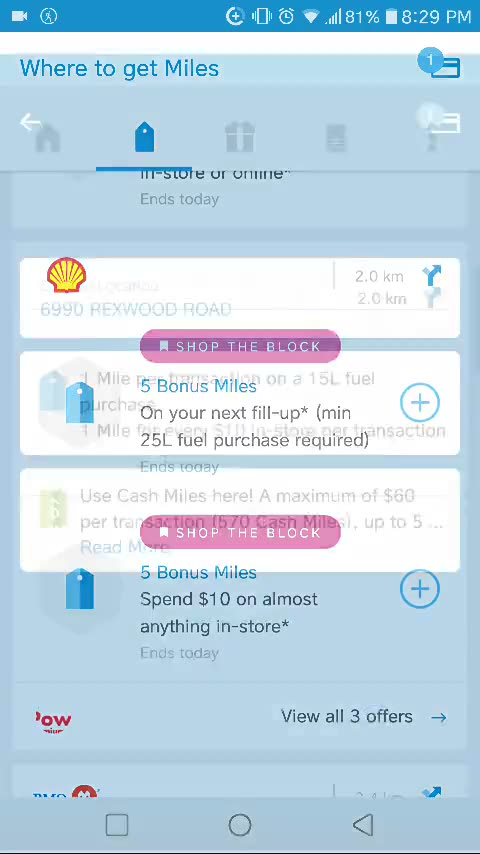
- Built the animated entrance into partner details. I first built a shared-element transition
that moved the partner’s logo along a curve. The designer later replaced that design, and I built
the new one by hand with Android’s view animations:
ObjectAnimators for position, fade and scale, combined in anAnimatorSetwith interpolators, in Java. - Added the nearest store on the partner details page, with a distance button that fires an implicit intent so the member opens directions in the app they already use.
Deep dive: Save to Android Pay
We planned a feature to let members save their digital Air Miles card to Android Pay, which had just launched in Canada. Nobody on the team had used the API.
I offered to build a proof of concept to answer one question early: did this need backend work? I set up the Air Miles loyalty program in LoyaltyOne’s Google merchant account — the program name, points label, tier labels and card colors — and in one week built a small app that saved a fake card to my own Android Pay account.
The proof of concept found the security constraint: saving a card needs a request signed with a private key, and that signing could not live in the APK — anyone can unpack an APK and extract the key, then create cards in the Air Miles name. So the signing had to happen on our server.
I walked the three backend developers and the other Android developer through the flow, the key and the API. The backend built the signing; I led the work across both sides. After about a month of development and testing, the feature shipped in a staged rollout.
How saving a card works
- In Google’s merchant account, the issuer defines the program once as a loyalty class.
- Each member’s card is a loyalty object belonging to that class.
- The backend puts the loyalty object in a JSON Web Token and signs it with the private key of a Google service account.
- The app asks our backend for the signed JWT and hands it to Android Pay, which shows the save screen.
Today this is Google Wallet. Its Android SDK can save a pass straight from the app with
savePasses, signed with the app’s SHA-1 fingerprint, or save a server-signed JWT with
savePassesJwt. I would still have the backend build and sign each member’s card, so the card
data comes from the server that knows who the member is.
Showcase
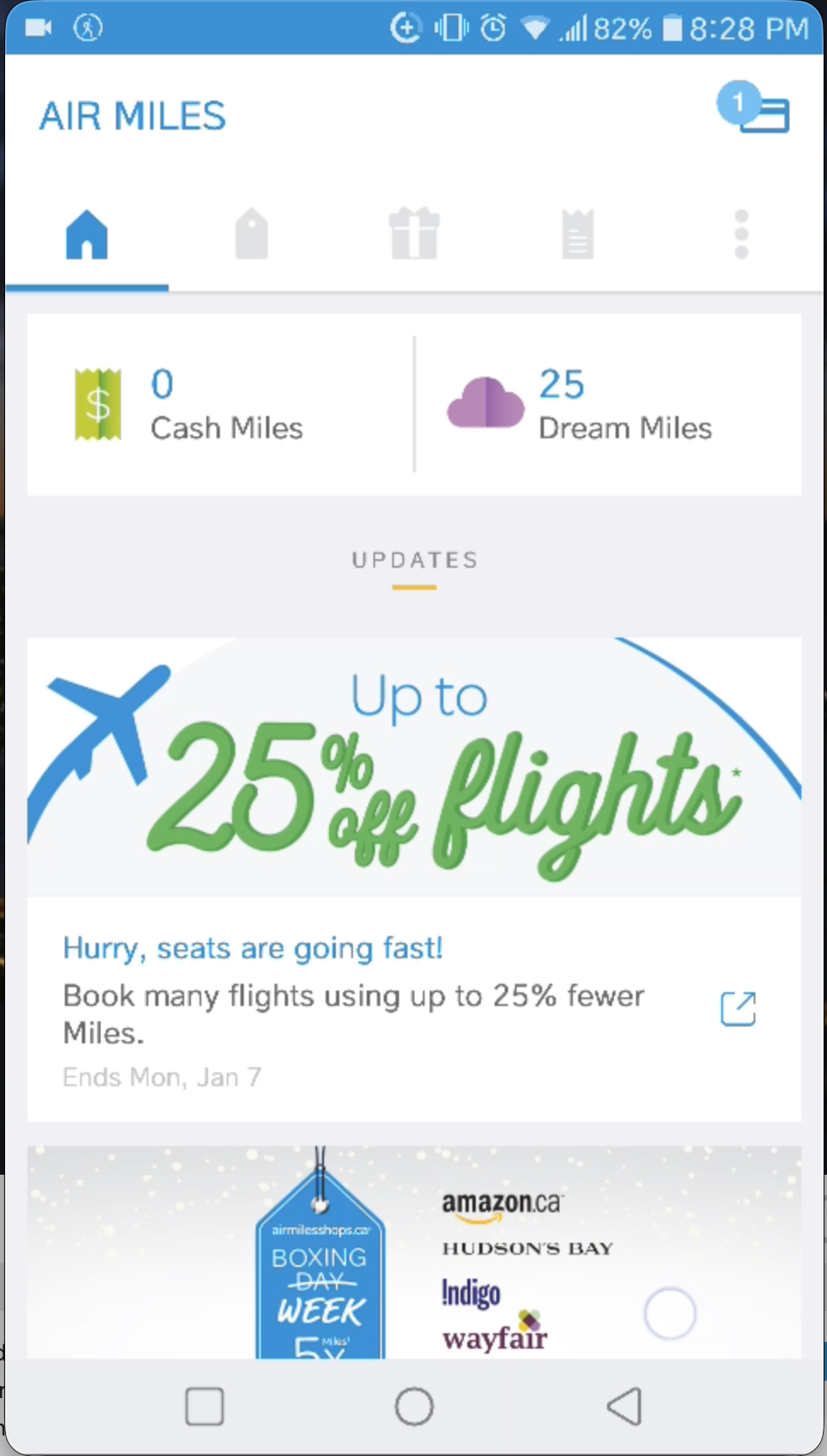
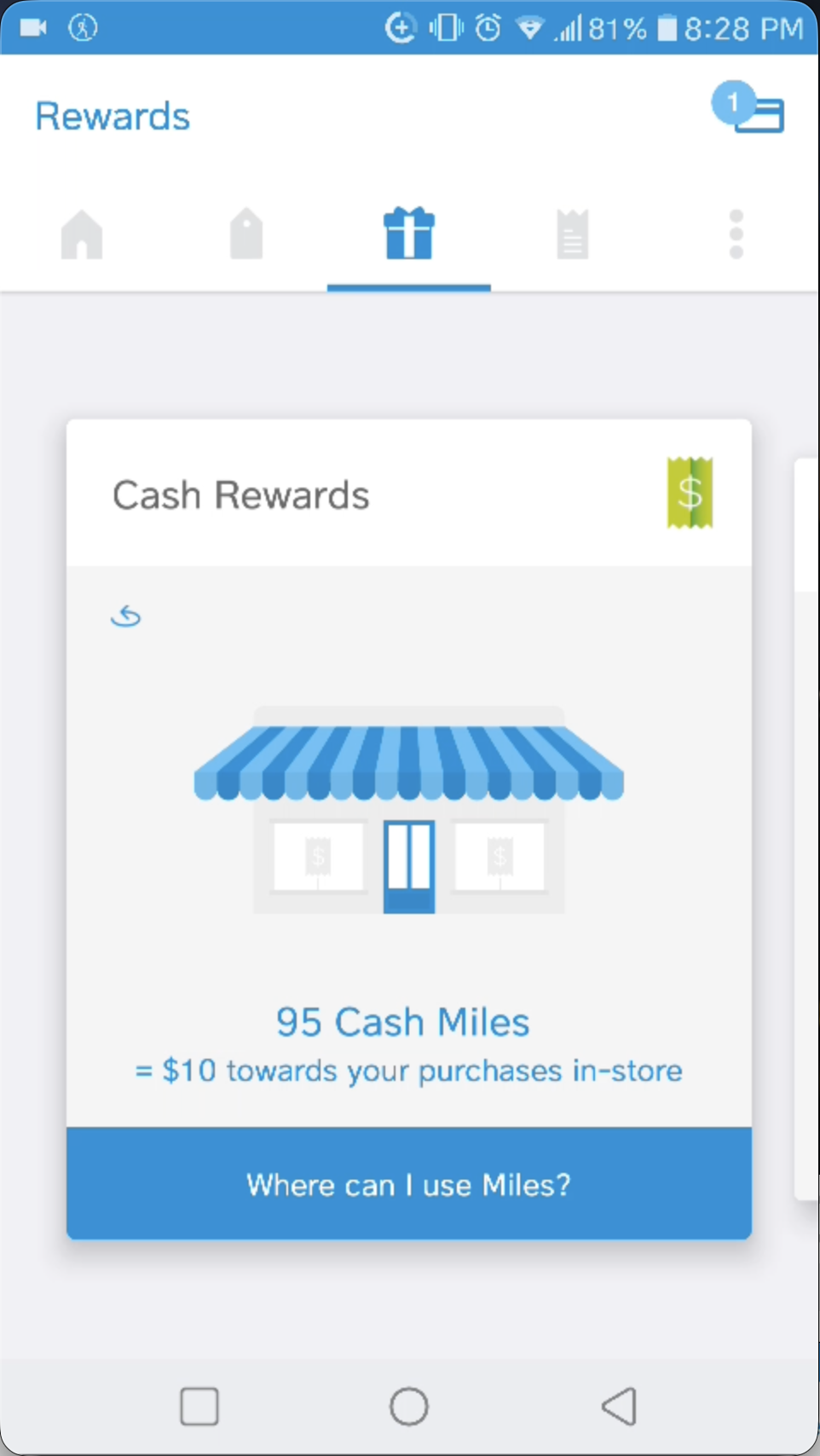
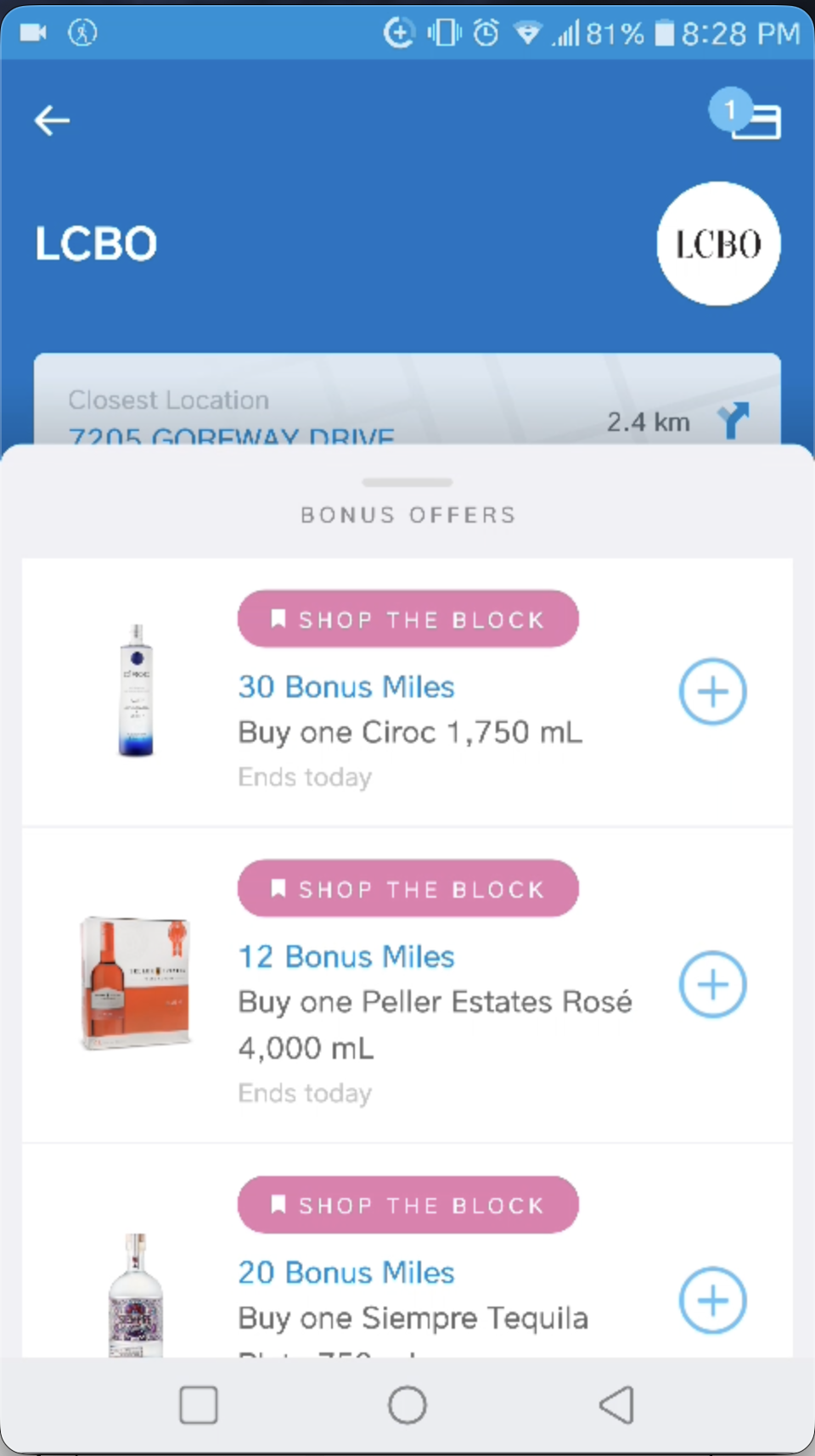
From development and test builds, mostly with test data. The released app may differ.